
Dottle · invoice processing
Purchase invoices processed automatically, without retyping.
Dottle reads purchase invoices down to the line, checks them against the order and the delivery note or CMR, and posts them straight into Exact, AFAS or your ERP. You only deal with the exceptions.
Live in 4 weeks · from 18.5 cents per document · you only pay once your first document has been processed
The next day, you'll see them processed in Dottle.
Where it goes wrong today.
Every invoice gets retyped.
Supplier, invoice number, amounts and VAT are keyed into the accounts by hand. With hundreds of invoices a month that is a full day's work, and every typo has to be found later.
A different invoice from every supplier.
Different layouts, different columns, sometimes a scan or a photo. Keeping templates per supplier up to date costs more time than they save.
Differences only show up at payment.
A line that was never delivered or a price that differs from the order is only noticed once the invoice has been approved, or not at all.
What Dottle reads from an invoice.
Header
- supplier
- VAT and company registration number
- invoice number and date
- due date
- purchase order number and references
- IBAN
Per line
- description and item code
- quantity and unit
- unit price
- VAT rate
- line amount
Totals
- amount excluding and including VAT
- currency
As a PDF, a scan or a photo, without a template per supplier.
What Dottle checks.
Is anything missing?
No purchase order number, no VAT number or a total that doesn't add up from the lines: Dottle flags the invoice before it goes into the accounts.
Does it match the order and the delivery?
Lines and quantities are checked against the order and the delivery note or CMR. Anything not delivered, or priced differently from what was ordered, shows up at once.
Is Dottle unsure?
Then you see which field it is, and where it sits on the invoice.
See it in 1 minute.
What you see in the video
01Still retyping?
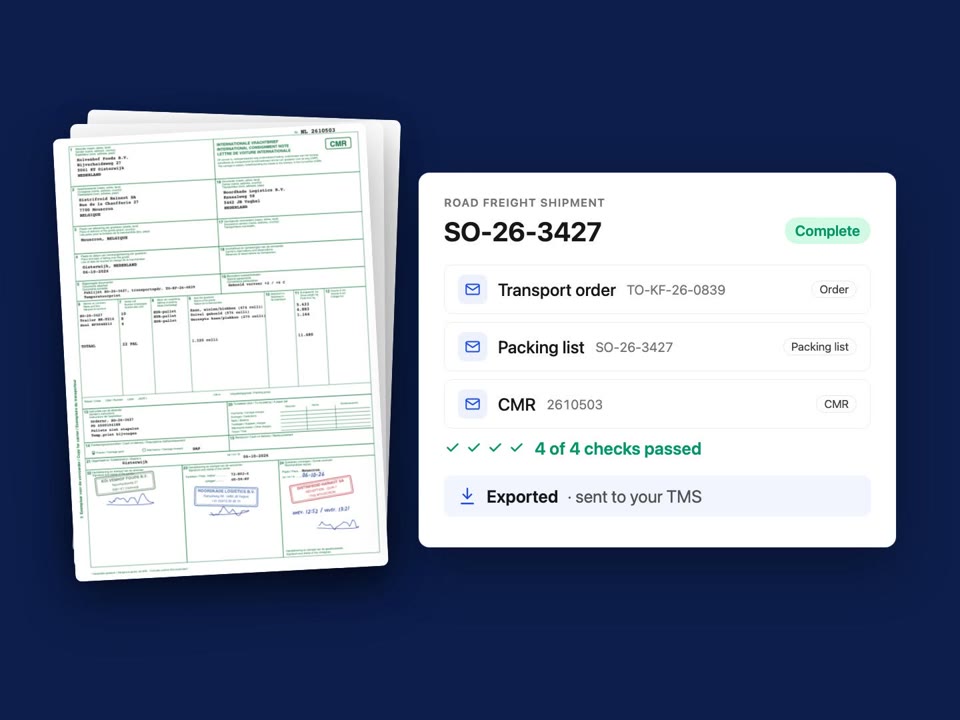
CMRs, packing lists and transport orders. Every single day.
02Dottle reads them for you.
Within a minute, every field is ready.
03Correct? One click.
Approve, and the shipment is in your TMS.
04Matched automatically.
Order, packing list and CMR in one dossier.
05Straight into your TMS.
One click on Send. No retyping.
06In doubt? You see where.
Adjust, confirm, done. Nothing slips through unseen.
07Wrong document? Stopped.
Wrong CMR? You know right away, not when the invoice arrives.
08The numbers.
200,000 packing lists a year, fully automated (HDG). 92% accurate across 70,000 documents a year, and €100,000+ saved per year (Cabooter).
09Send us 3 documents.
The next day, you'll see them processed in Dottle.
- Send 3 documents
Proof from live operations.
Cabooter Group
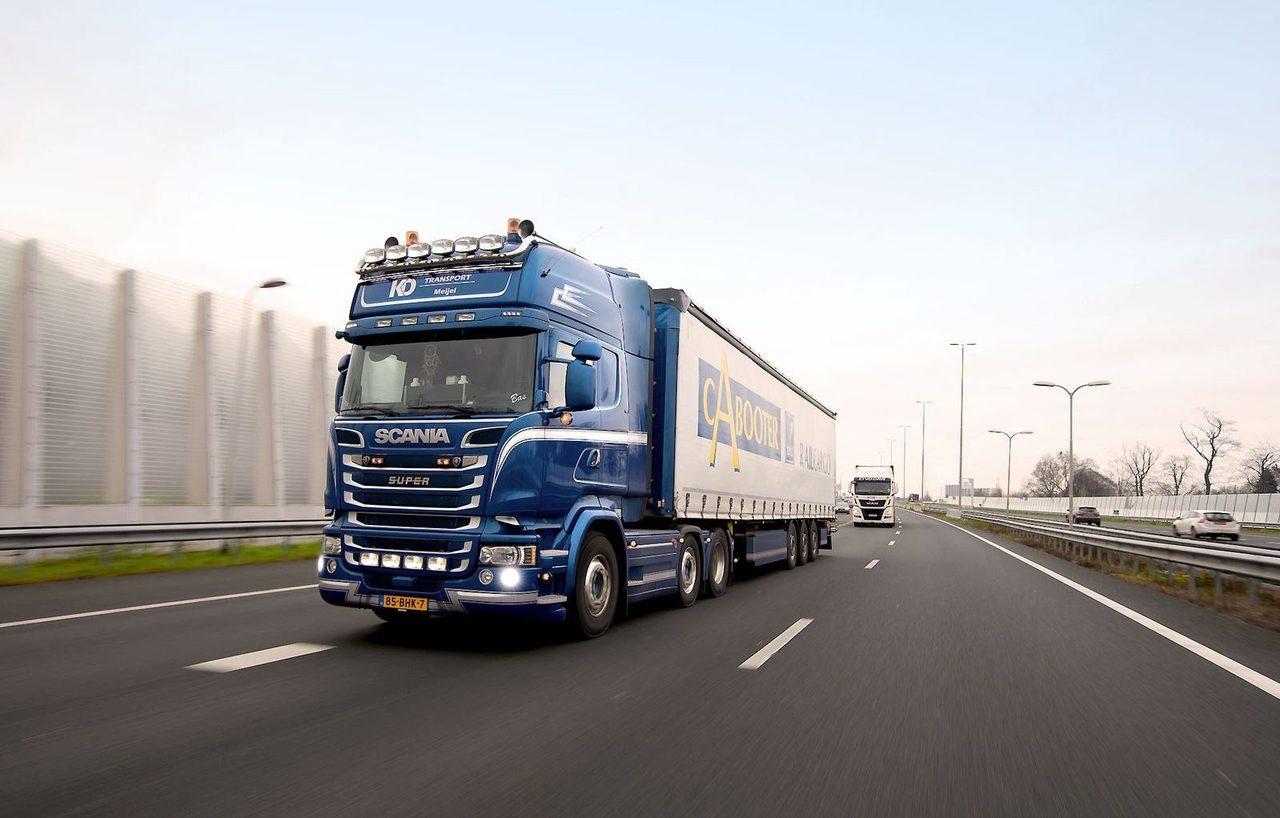
At Cabooter Group, Dottle processes 70,000 documents a year, mostly CMRs and customs papers, 92% accurate.
Read the caseConnects with your systems
- TMSTranspas, Samurai, Ixolution and more, via file exchange (XML/FTP) or API
- ERP and accountingExact, SAP, Microsoft Dynamics 365 Business Central, AFAS, Navision
- Your own API or webhook
Good to know.
Is this OCR?
No. OCR turns characters into text. To know which number is the invoice amount, you then need a template per supplier. Dottle recognises the fields without a template, so a new supplier works straight away.
Which accounting system does the invoice go to?
Exact, AFAS, SAP, Microsoft Dynamics 365 Business Central or Navision, or your own system via API or webhook.
What about carrier invoices in transport?
Samurai TMS checks those per trip: every invoice line against the completed trip and the agreed rate. Only differences come to you.
What does it cost?
From 18.5 cents per document, with tiered pricing as your volume grows. You only pay once your first document has been processed.
Send us 3 invoices.
Just as they come in now, from three different suppliers. The next day, you'll see them processed in Dottle.